
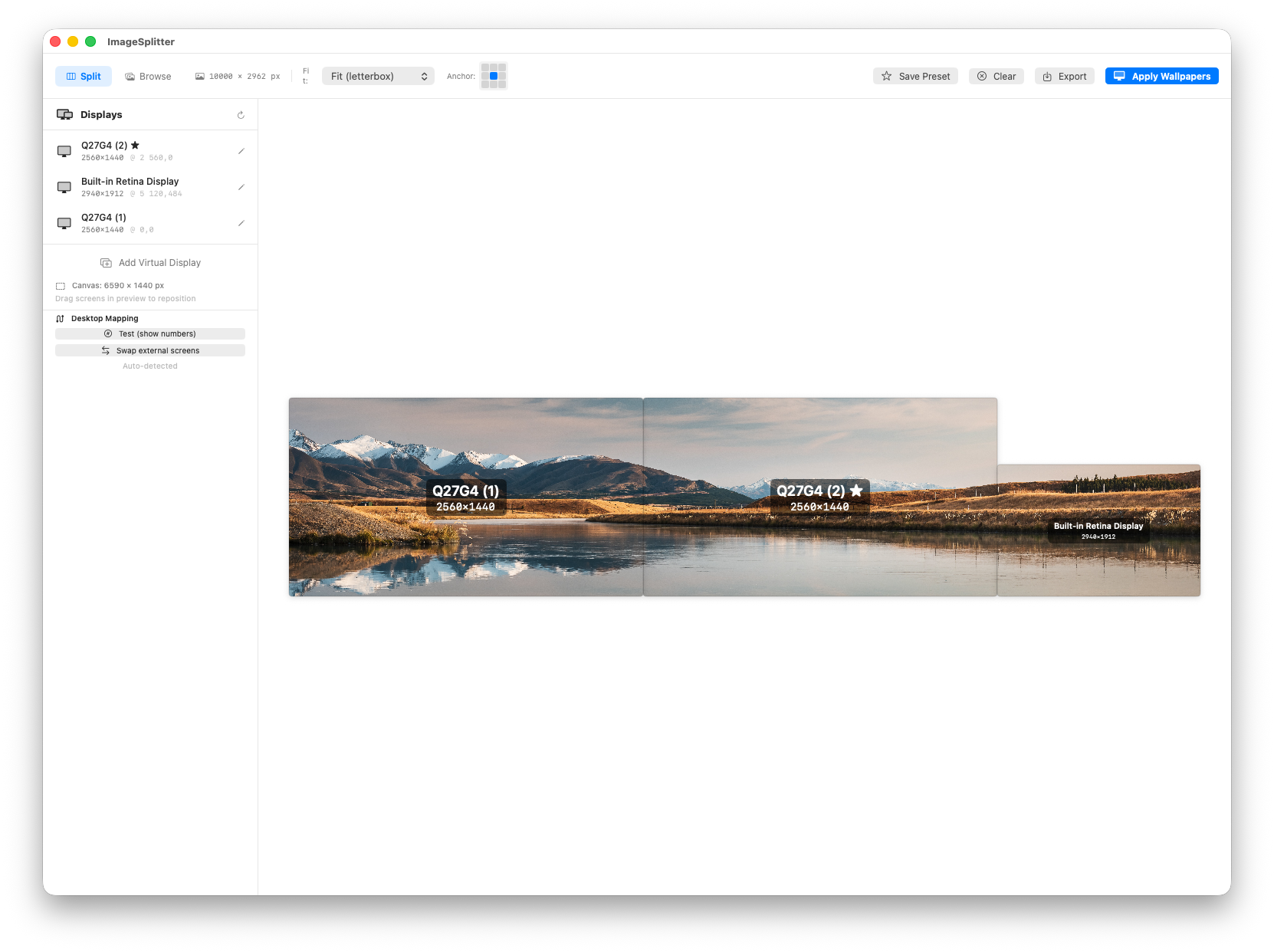
Open ImageSplitter and your current wallpaper is already there. Tweak the fit, browse new photos, or drop an image — changes apply in real time across every screen.
Whether you have 2 screens or 5, identical or mixed, ImageSplitter handles it.
Reads your connected displays via macOS — resolution, position, Retina scaling. No manual configuration needed.
Each piece is cropped and resized to the exact native resolution of its target screen. No stretching, no blur.
Sets each wallpaper on the correct screen automatically. No manual drag into System Settings.
Choose which part of the image to keep — top, center, bottom — with a visual 3×3 grid selector.
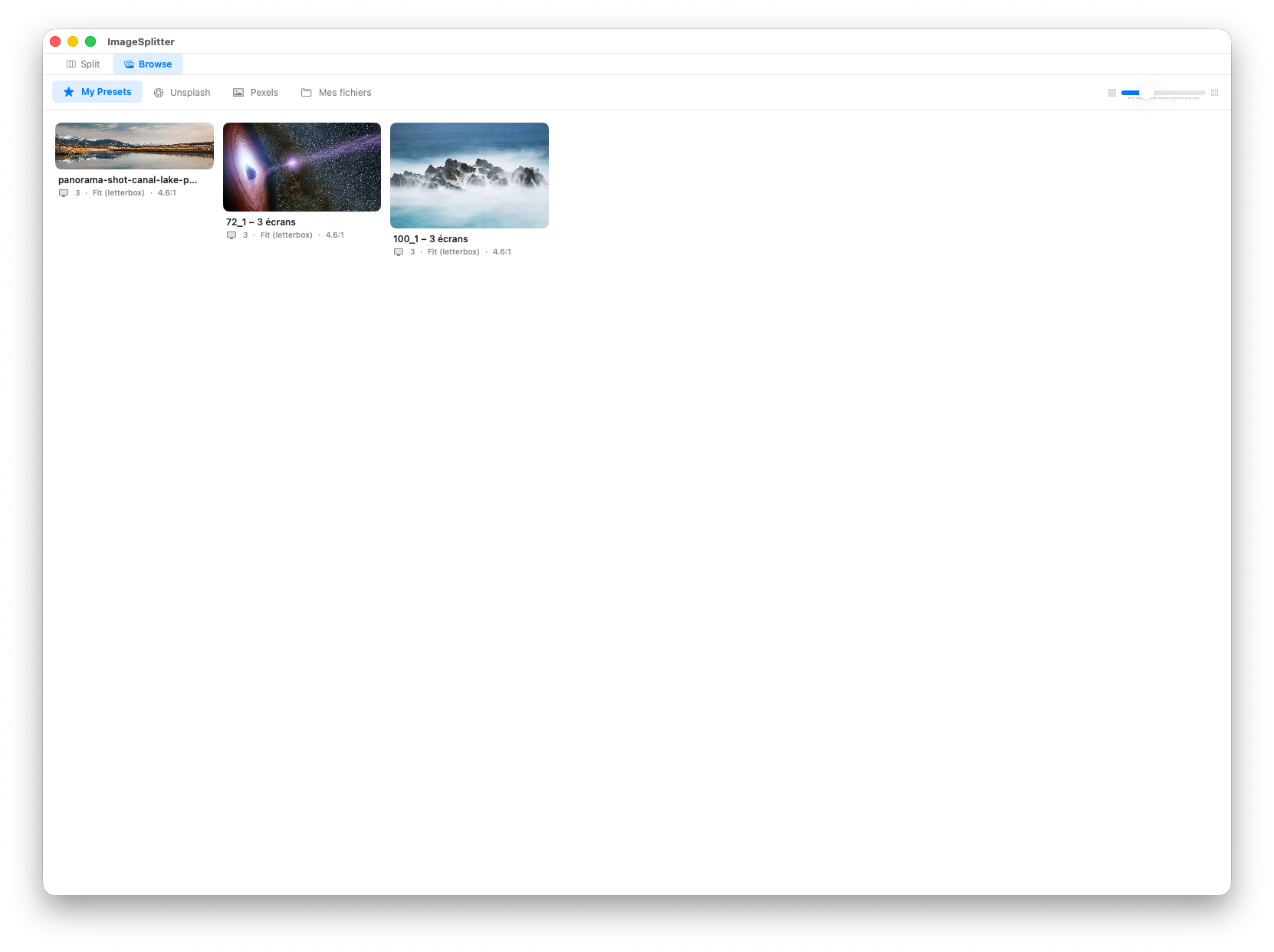
Save your screen layout, fit mode and source image. Restore any setup instantly from the Browse tab — thumbnail, screen count and ratio at a glance.
Search millions of free photos filtered by your screen ratio. One click downloads the full image, applies it to all screens and switches to the editor.
Change fit mode or anchor point and wallpapers update instantly on all screens — no flickering, no manual Apply needed.
Drag screens in the preview to adjust layout. Magnetic snapping aligns edges automatically.
Two 27" + one 13" Retina? A 4K center with 1080p sides? Heterogeneous configurations just work.
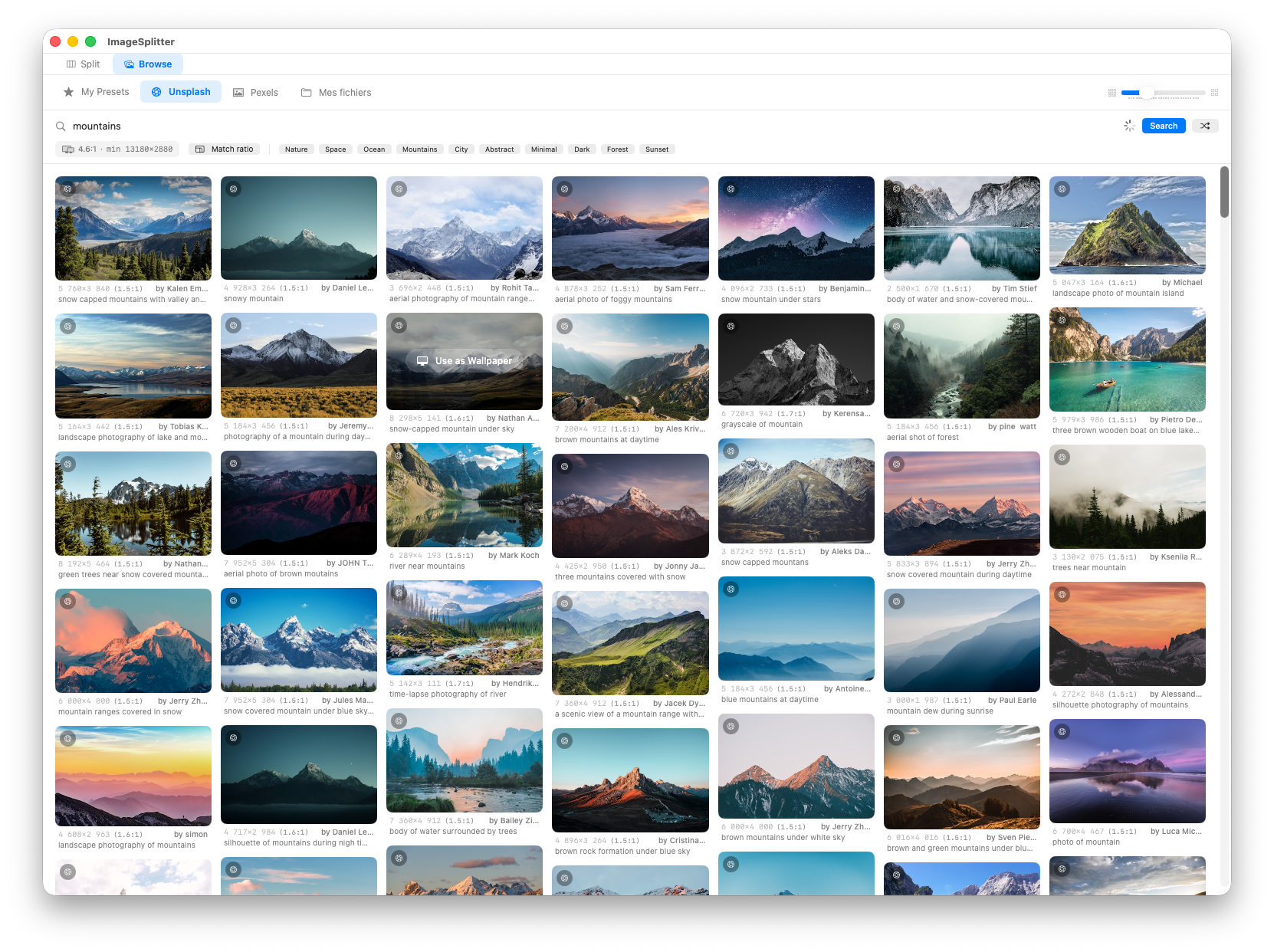
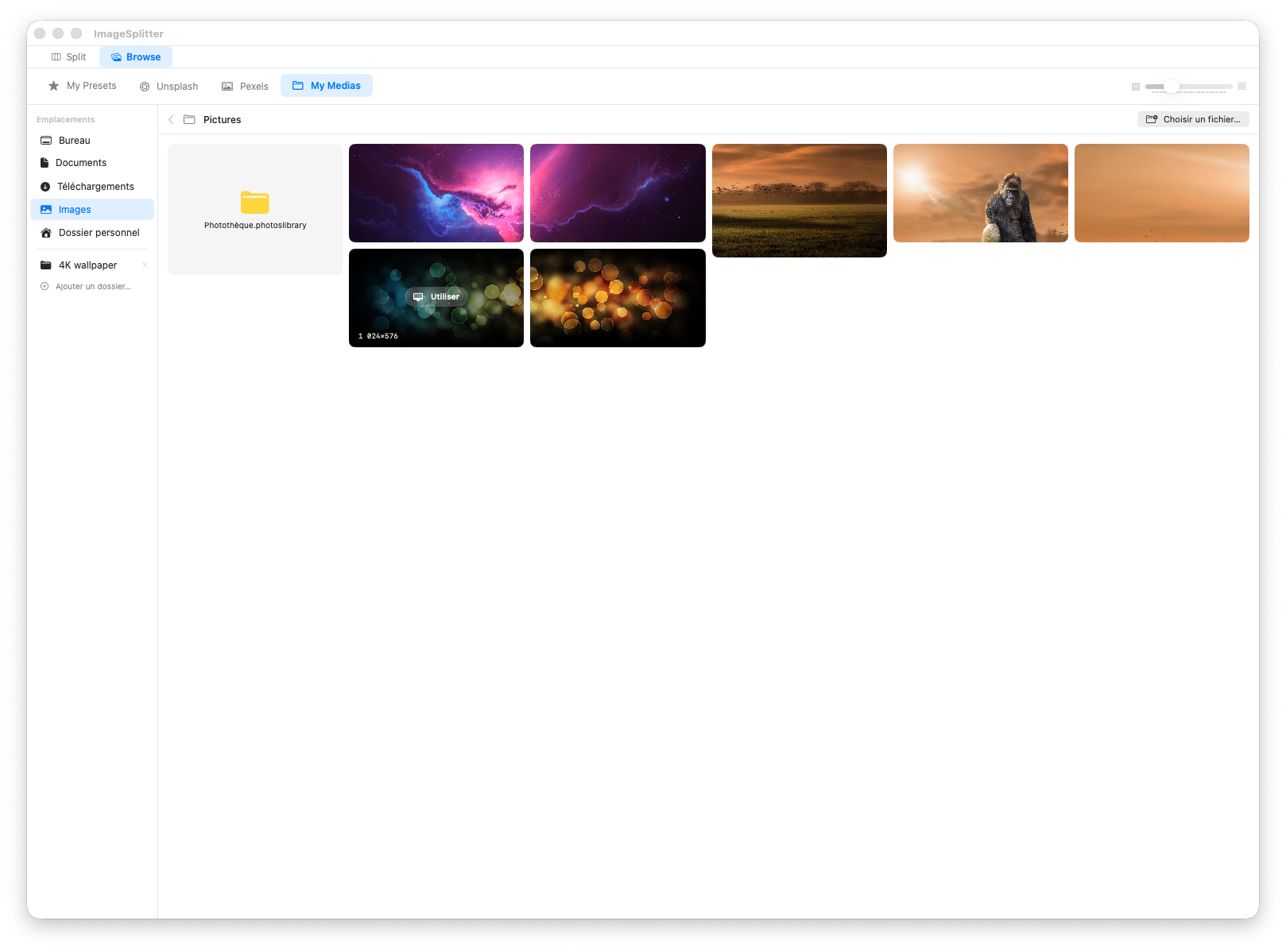
Your current wallpaper loads automatically on launch. Or drag in any image, open a file, or pick one from the built-in Unsplash & Pexels browser.
Choose Fill, Fit, Stretch or Center. Move the anchor point to keep the subject in frame. Changes apply in real time across all your screens.
One click. Each screen gets its tile at native resolution. Save as a preset to restore the whole setup — layout, image and fit — in one tap.